

hey there. is it possible for me to get an old version ipa file of one of your mods? the app i wanted is kinemaster pro version v4.10.2😅


This is the best website man ever made!



 as ur dad I spank u


I’m back! As some of you know late October, early November i wasn’t forced to update my phone to IOS 13+ which didn’t have an working filza but since then I have found my old IPhones 5s which does! So I will be be trying to update all of my old hacks/tweaks on my profile!
Thank you for reading.

THANKS ALL FOR TO HELP ME MUCH APPRECIATED ITS NOT YOU ITS ALL ME 💯 Hiring Cybergod is for me 💯 peace ✌🏻Out


Just played 10 hours straight of God of War and my eyes hurt 😢


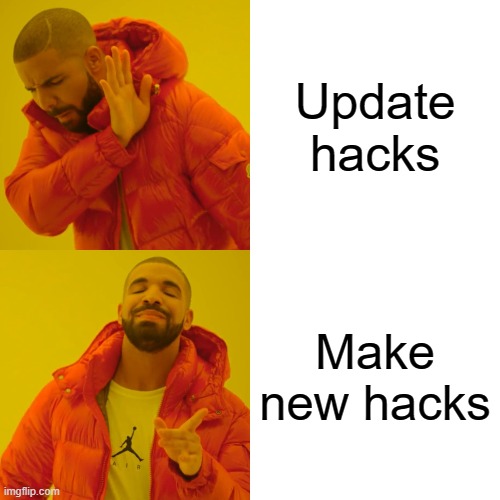
Zahir in a nutshell

Why I gotta be me bro? Like f*** off


Doctor who anyone? 

hello im sad bc any hack work for me lol😀


I have issue with CrackerXI : /
could a kind person decrypt me the ipa of Standoff2 please ?
https://apps.apple.com/us/app/standoff-2/id1359706682
Thanks


Figured out how to use the PS5 browser! Typing this message on it now. This will be a good exploit for the PS5 jailbreak community


Just to say HI to all my friend~~ 

All PMs have been replied to! If I have missed yours, give it another message and I'll get to it! 
Monkeys 🐒 eat bananas 🍌